How to Access and Use the DRAWings PRO XII Video Training Course
Unlock the full potential of your DRAWings PRO XII embroidery software with our comprehensive, free video training course. Whether you are a beginner or a seasoned professional, this library of over 230 interactive training videos covers everything you need to know to master the software.
Here is your step-by-step guide to accessing and navigating the training portal.

Step-by-Step Instructions
1. Access the Training Portal Navigate to our website and open the Learn Embroidery menu. Select Videos, locate the DRAWings PRO XII Training section, and click on Start Learning.
2. Log In to Your Account You will be prompted to log in using the Serial Number of your USB or Software key.
Useful Tip: Make sure you have fully registered your software before attempting to log in, otherwise your serial number may not be recognized by the system.
3. Navigate the Interactive Interface Inside the portal, you will find an interactive dashboard designed to help you learn faster and smarter. You can easily expand or collapse the video categories to keep your course list organized.
4. Control Your Video Playback Select any video to begin watching. Click the CC icon to turn on subtitles, and choose your preferred language from the options menu. You can use the progress bar at the bottom of the player to revisit a specific moment or jump ahead.
5. Track Your Course Progress As soon as a video finishes, it is automatically marked as complete, and a checkmark will appear next to it in the list. You can move forward using the right arrow button. If you already know the material, you can manually mark a video as complete or press the right arrow to skip to the next one.
6. Utilize Attached Resources For more detailed information, many videos include supplementary materials. You can show or hide attached Knowledge Base articles or Project Posts with a single click, allowing you to read full tutorials without leaving the video player.
7. Customize the Interface Language You can instantly change the video titles and descriptions across the entire interface into your preferred language to make navigation seamless.
8. Search for Specific Tools If you are looking for help with a specific feature, use the Smart Search bar to find the exact video you need right away.
Useful Tip: Use specific tool names or digitizing keywords (e.g., “applique,” “stippling”) in the Smart Search to bypass the sequential course and jump directly to the technique you want to learn.
9. Resume or Reset Your Learning Your progress, including your most recently watched video, is tracked and saved automatically. When you log in again, you will pick up right where you left off. You can check your overall progress at any time, or click Reset if you wish to clear your history and start the course over.
Need Additional Help?
Learning professional embroidery software has never been this easy! But if you ever get stuck or need clarification on a specific technique, please contact our support team. We are always happy to help you create your best work.
DRAWings PRO Help Group
Happy crafting and don’t forget to share your creations with us in the
DRAWings PRO Help Group!
Related posts




Projects
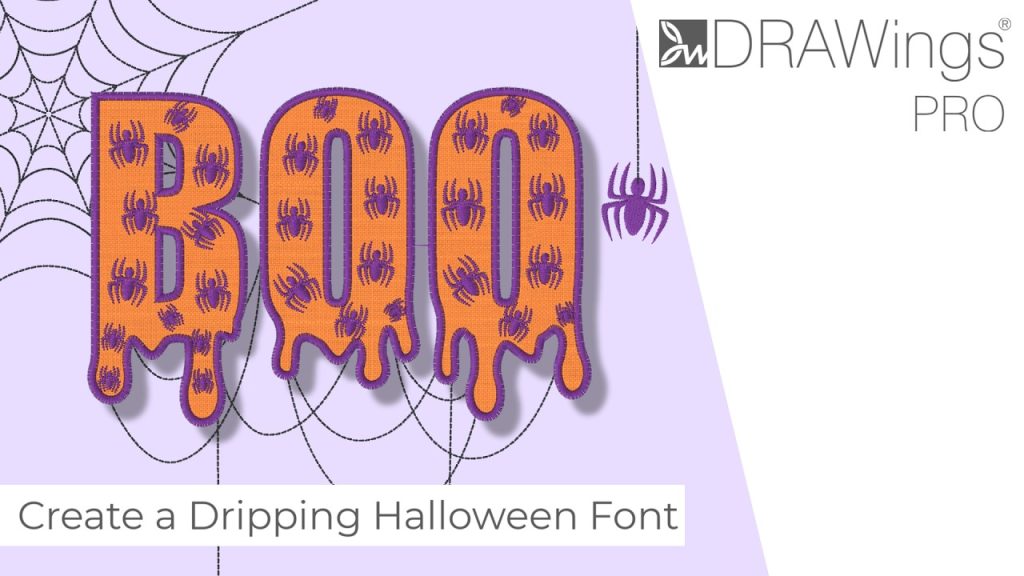
How to Modify Built-In Fonts into Custom Designs: Dripping Halloween Lettering
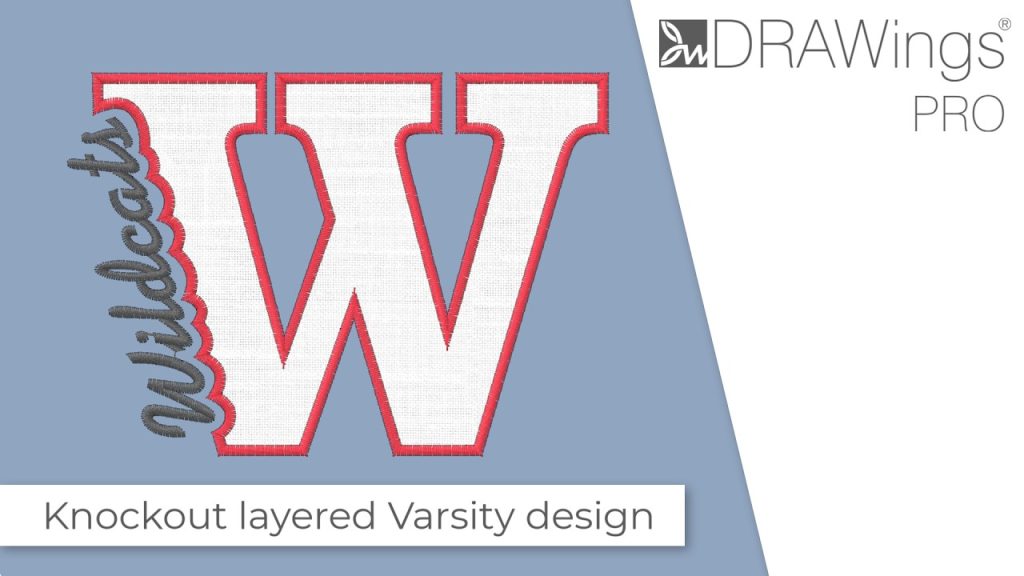
Every embroidery program ships with fonts that are already digitized. They stitch cleanly, and they are also the same fonts everyone else has.Digitizing a Knockout Layered Varsity Monogram with Nested Script Lettering
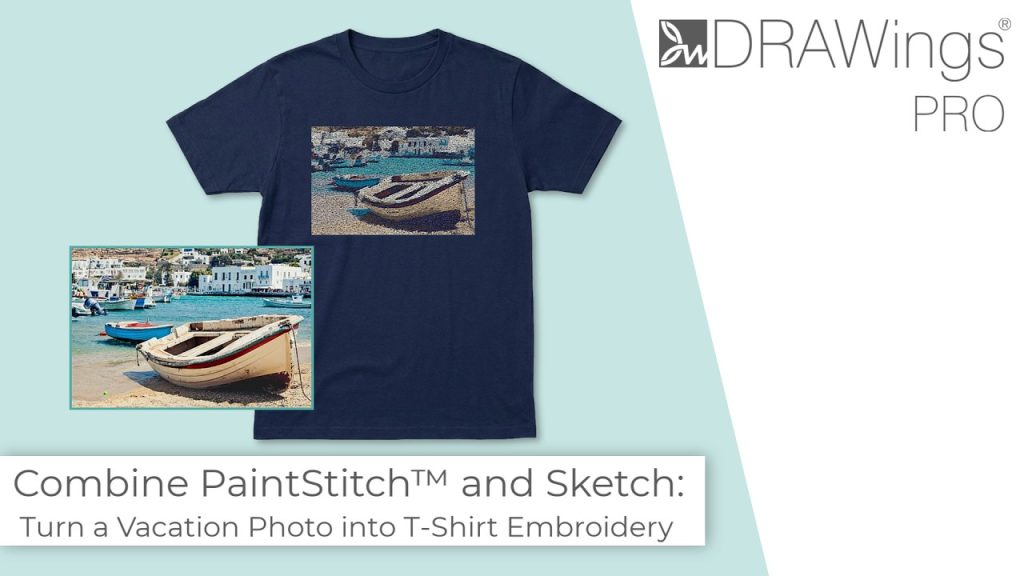
Layering script text over a bold collegiate letter is a staple in team apparel, varsity jackets, and custom fleece.How to Embroider a Photo onto a T-Shirt with PaintStitch™ and Sketch
A favorite vacation photo does not have to stay on your phone or disappear into a folder. With DRAWings PRO embroidery software, you can turn a photo into an embroidery design and stitch it onto a T-shirt as a wearable keepsake.