How to Use the Measure Tool for Precise Embroidery Digitizing
The Measure tool is a precise utility that allows you to calculate the distance between any two points within the design area.

Knowledge base for DRAWings Embroidery Software

The Measure tool is a precise utility that allows you to calculate the distance between any two points within the design area.

The Rectangular Array tool is a powerful feature in DRAWings PRO XII that allows you to quickly duplicate any selected object into a precise, grid-based pattern.

Once you’ve finalized a design, the Print option is a powerful tool for creating a physical copy.

Existing embroidery files, whether from previous projects or purchased online, are a valuable resource for creating new designs. This guide will walk you through the process of importing these files and the various ways you can edit them within the software. Step 1: Importing an Embroidery File There are two primary methods to import an…

The View menu provides a powerful set of tools to customize your workspace, control how you see your design, and use aids that improve your digitizing accuracy.
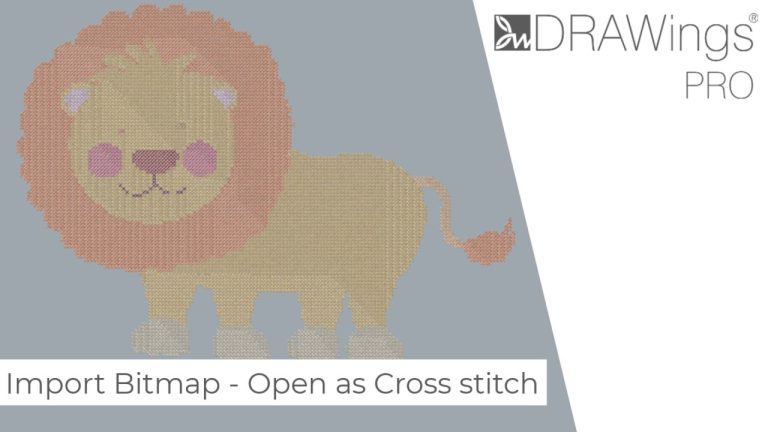
DRAWings PRO XII makes it easy to transform your favorite photos and images into beautiful, complex embroidery designs. This guide will walk you through the process of importing a bitmap image and converting it into a fully customizable cross-stitch pattern.

Getting the perfect view of your embroidery design is essential for precise digitizing and editing. This guide will walk you through the various ways to zoom in, zoom out, and pan across your workspace.

Using a backdrop image is a fantastic way to trace a photograph, sketch, or logo, or simply to use it as inspiration for your embroidery design.

This guide will walk you through a simple and effective method for manually reorganizing the color sequence of your embroidery design.