How to Open Designs: 5 Ways to Import Embroidery and Artwork Files
This guide outlines the various methods you can use to open native .DRAW files, as well as import other supported embroidery and artwork file types into your workspace.

How to Training sections has useful training topics.
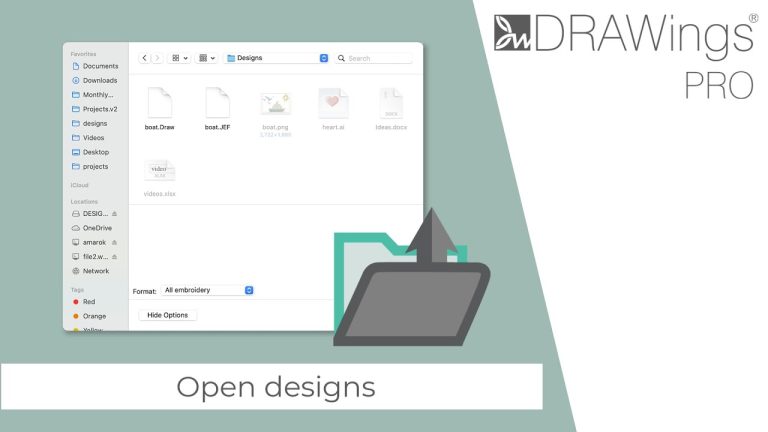
This guide outlines the various methods you can use to open native .DRAW files, as well as import other supported embroidery and artwork file types into your workspace.
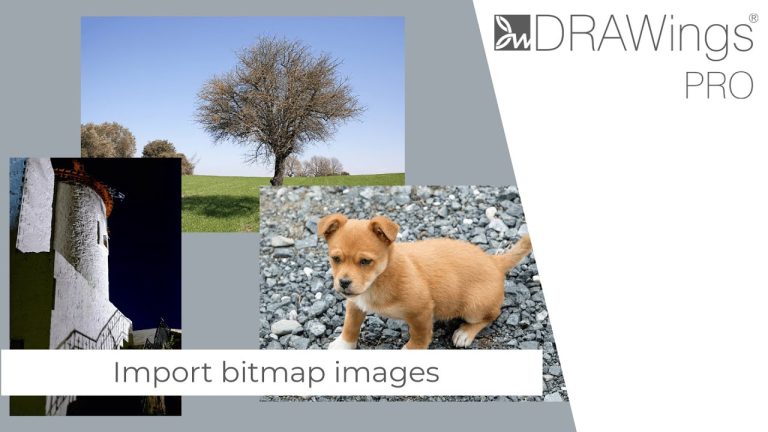
This guide will walk you through the initial steps of importing a bitmap image into your project.

This guide will walk you through the various methods for creating a new design project in DRAWings PRO XII.

This guide will walk you through the process of importing a bitmap image (like a .JPG, .PNG, or .BMP) and converting it into an embroidery design using the powerful Auto-Digitize (Trace) feature in DRAWings PRO XII. Step 1: Open and Select Your Image First, you need to bring your image into the software. 💡 Useful…

Selecting objects is a fundamental skill for efficiently editing and manipulating your designs. DRAWings PRO XII offers a comprehensive set of tools and methods for selection, from simple point-and-click to advanced, context-aware commands.

While the “Open” function is used to start a project from a single file, the Import function is a powerful tool for adding and combining multiple artwork sources into your currently active design. This is the ideal method for creating complex compositions that merge different file types, such as existing embroidery designs, vector or bitmap…

The Knife tool in DRAWings PRO is a powerful feature that allows you to divide objects and create unique shapes by cutting existing design elements. This tutorial will guide you through the process of using the Knife tool effectively.

How to Select Multiple Objects by Stitch Type in DRAWings PRO. Being able to select multiple objects based on their stitch type is a powerful time-saver, especially in complex designs.

Guidelines and Work Area shapes are powerful features in DRAWings PRO that help you precisely align and position the parts of your embroidery designs