DRAWings

DRAWings 4


Downloads
Downloads
DRAWings® 4 Evaluation
Designs
Videos
Members area
Patches


MEMBERS AREA
 
In Members Area you can find useful Videos and Tips that will help you work easier with DRAWings® software. Become a Member now and get extra helpful information about your DRAWings® software. Members area
 
NEW! Videos for Corel® DRAWings® X3 Pro have been added in the Members Area!
 
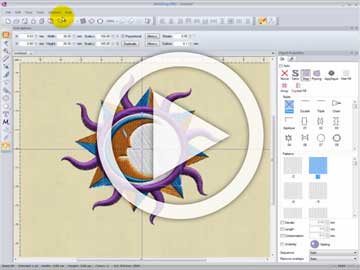
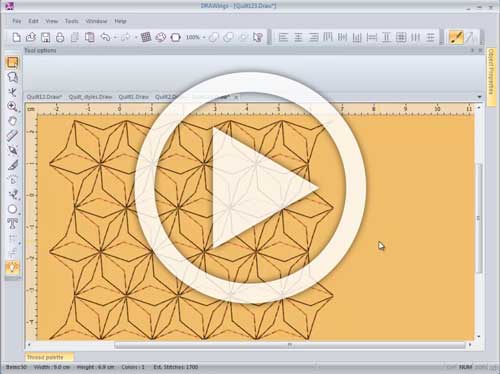
Sample video of members' area. Join now and view them all.
Re-sequencing designs for Caps : How to re-sequence an embroidery design made for caps. (3.7 MB)

Training Videos
 
The training videos for DRAWings® software can help you explore some of the designing and embroidering features of DRAWings® software. You can view how easy it is to create unique embroidery designs quicker than ever.

All the videos can be viewed with Windows Media Player.
 
(In order to download the Videos Right click on the images and select 'Save target as...' from the jump menu.)


Shaping tools: This video shows you how to use some useful tools like Trim, Weld, Simplify etc. which can be used to enhance even more the embroidery quality and help you create complex designs quickly. (2.7 MB)
Groupings and Combining tools: This video shows you how to edit your designs by grouping or combining the different parts of them.(1.8 MB)
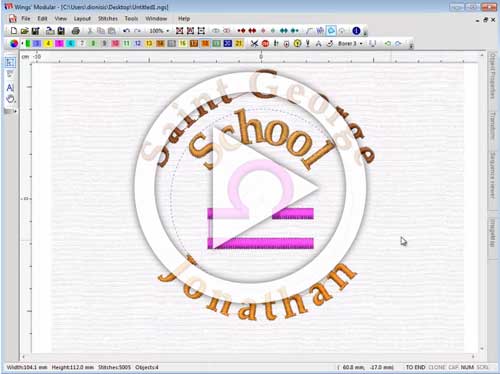
Text tools: This video shows how easily you can create text-art designs, edit them, and position them on other designs. (3.1 MB)
   
Node editing tools: In this video you can view how you can manipulate the nodes and segments of the vector design in order to produce the embroidery result you prefer. (3.2 MB)
Drawing tools: This video shows how easily you can create designs from scratch and apply on them unique effects. (2.1 MB)
Embroidery transformations: This video is an overview of all the embroidery transformations you can apply on the embroidery designs. (4.5 MB)


Copyright © 2003-2008 DRAWstitch Ltd. All rights reserved..